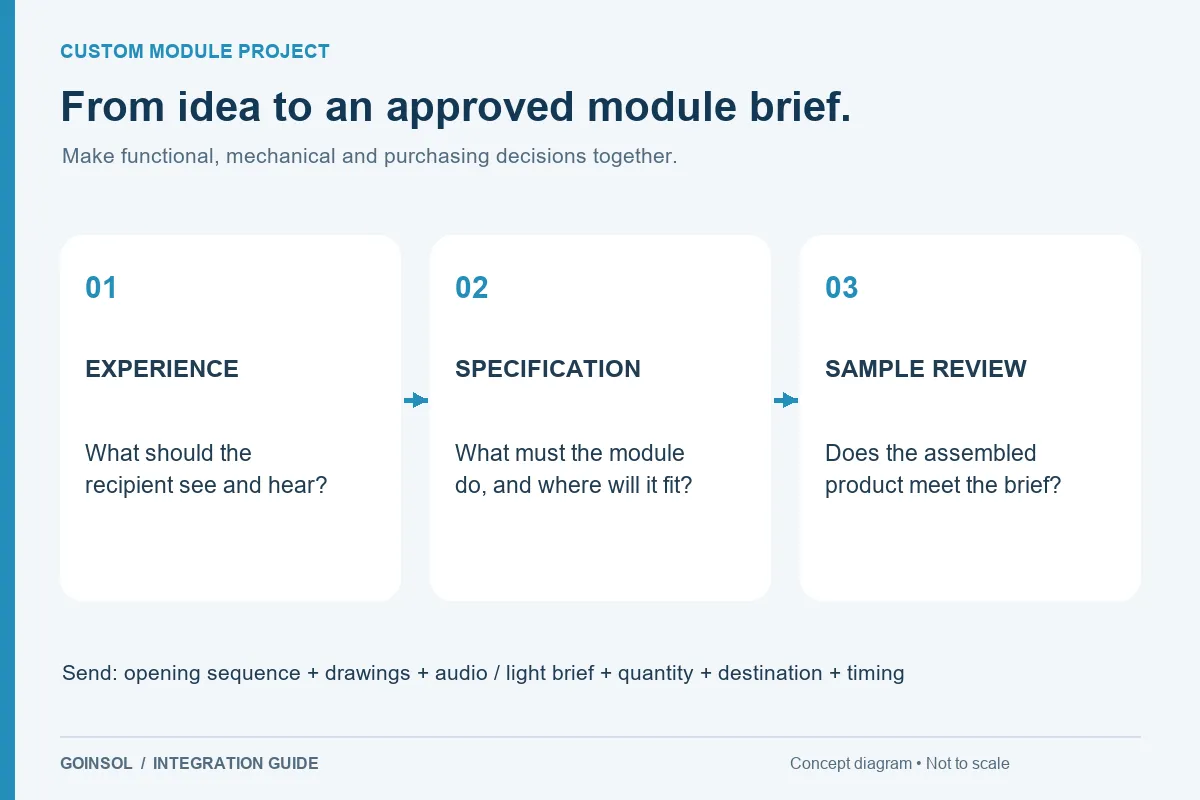
Define a repeatable sample review for trigger behavior, audio, recording, lighting, power and physical fit.
A successful sample review compares a defined revision with an agreed brief. It should establish whether the module creates the intended user experience inside the real product, rather than simply confirming that a loose board makes sound. Set the test conditions and acceptance points before reviewing the sample. That makes feedback more precise and reduces the risk of approving different things in a video, drawing and physical prototype.
1. Identify exactly what is being reviewed
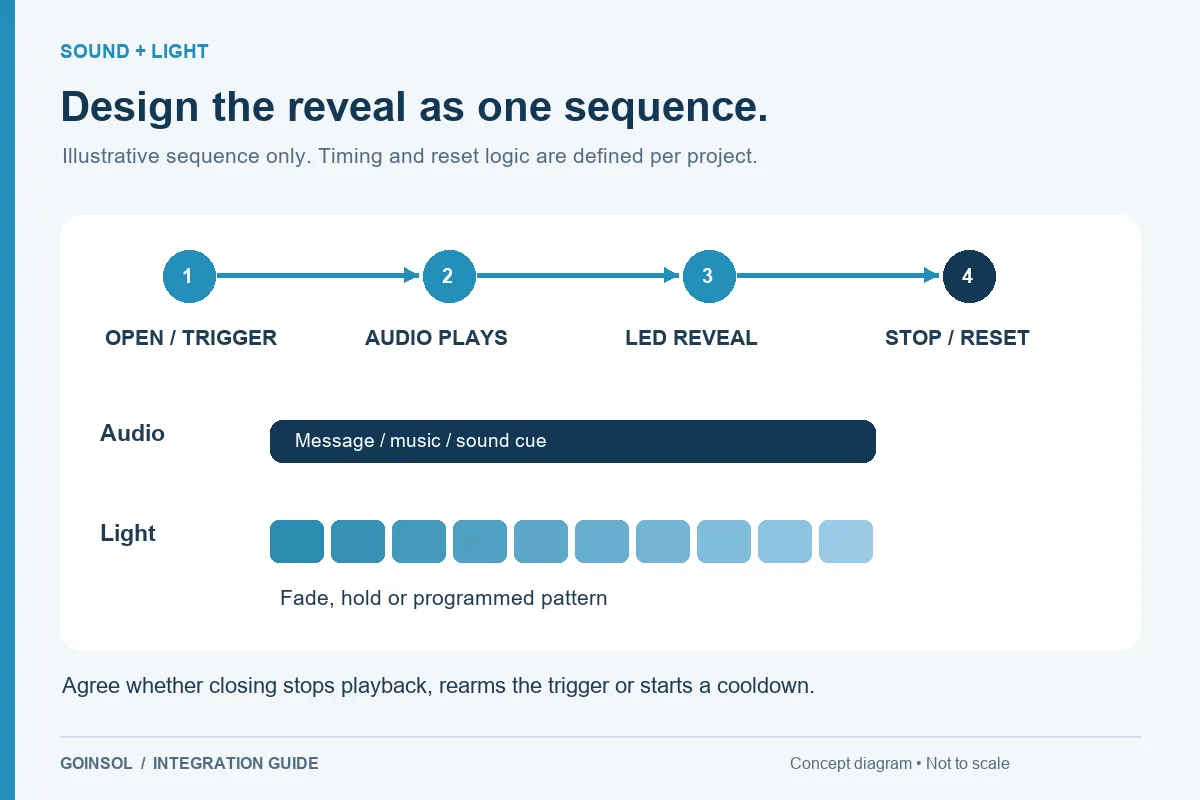
Record the module revision, program or sequence, audio file, battery type, component layout and box or insert revision. Note any difference between the sample and the planned production configuration. Use a short opening storyboard as the reference: the user action, trigger, audio, light, stop and reset. A change in audio length, LED count or speaker can affect other decisions, so revisions should be tracked together.
2. Check the trigger and repeat behavior
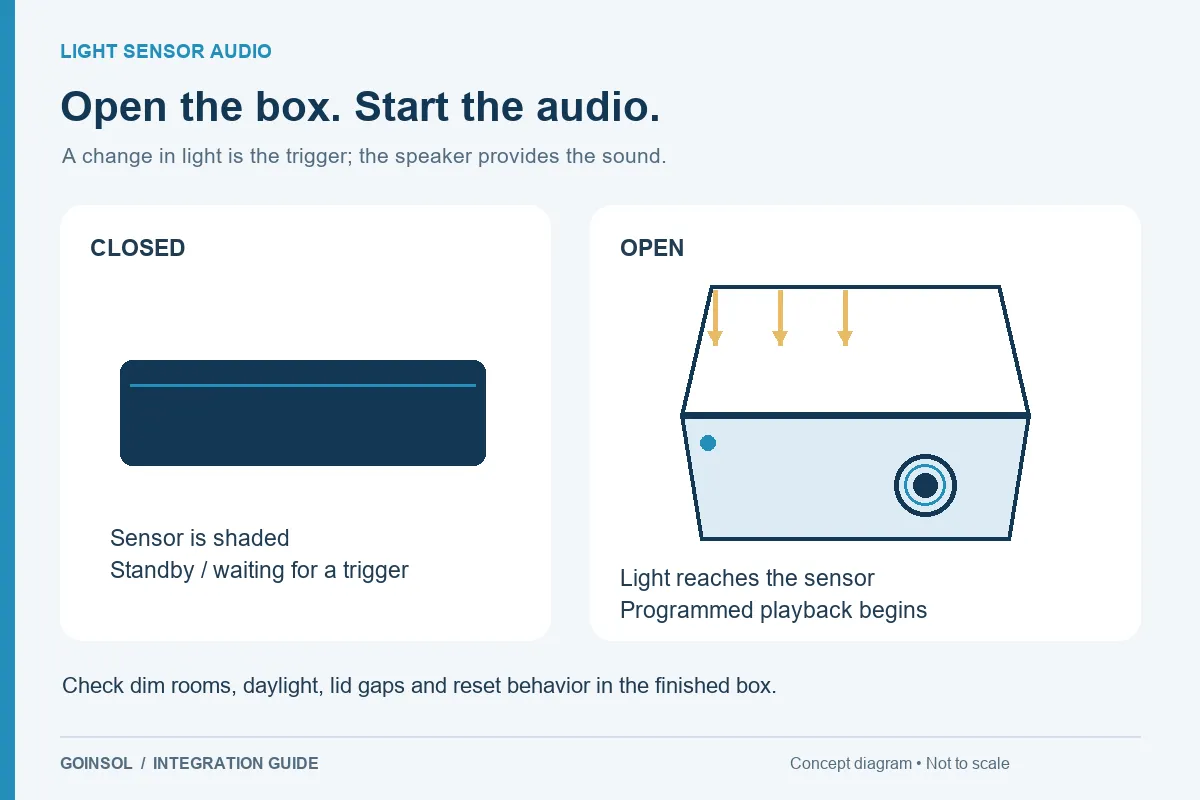
Test the ordinary opening action, partial opening, closing during playback and reopening soon afterward. For light sensing, include expected dim and bright conditions and any lid gap that admits light. For a button, check short, long and repeated presses. For magnetic or mechanical approaches, check alignment and normal structural variation. Confirm whether the effect should restart, finish, stop or remain silent in each case.
3. Review audio and recording in the enclosure
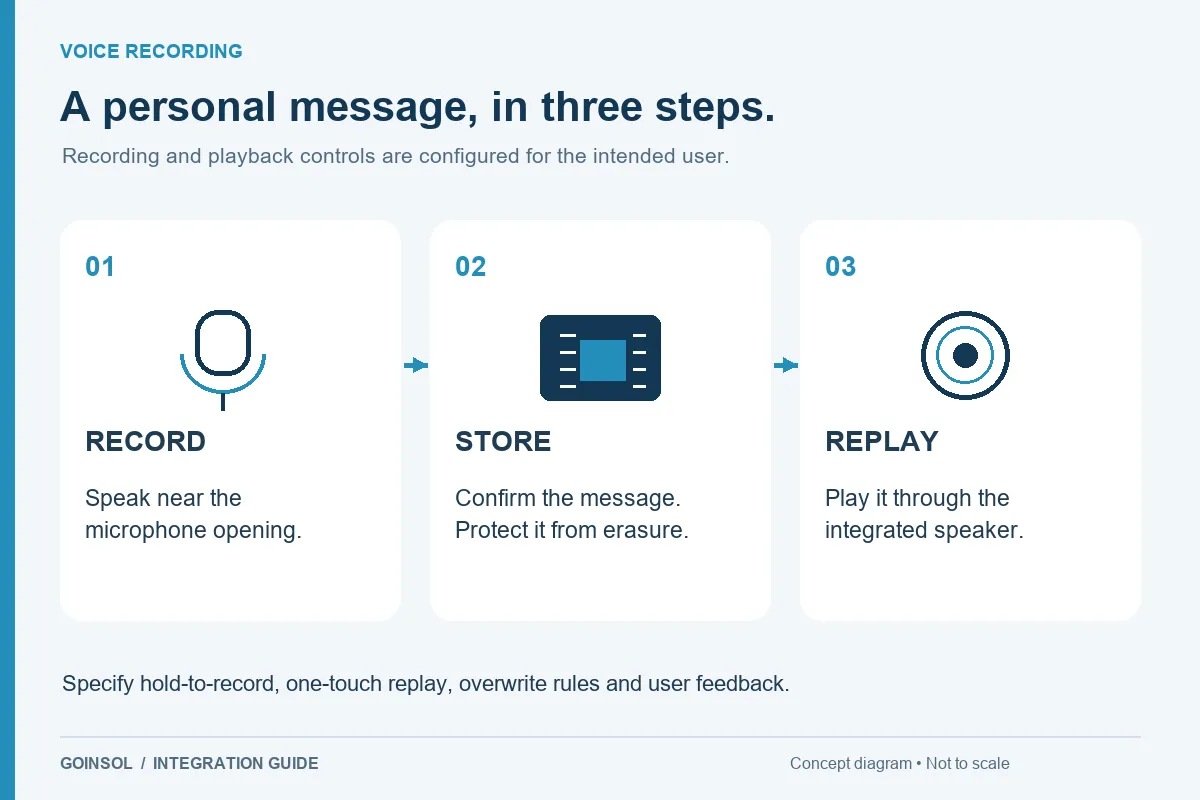
Listen from the expected distance and position in an environment that resembles actual use. Use the approved file and note clarity, level and unwanted vibration. For recording, check the microphone opening, speaking distance, maximum-duration behavior, replay and overwrite controls. Test whether a stored message behaves as required after the agreed power interruption. Ask someone unfamiliar with the product to follow the instructions and record any confusion.
4. Review lighting with the real gift
Check the recipient's view, not only the camera view. Look for glare, uneven illumination, unwanted visible LEDs, color mismatch and timing errors. Confirm how the effect ends and what happens when the box remains open. Use the intended lining, diffuser and insert. Video is useful for timing and sequence, but exposure and white balance can hide problems in brightness or color.
5. Confirm mechanical fit and assembly
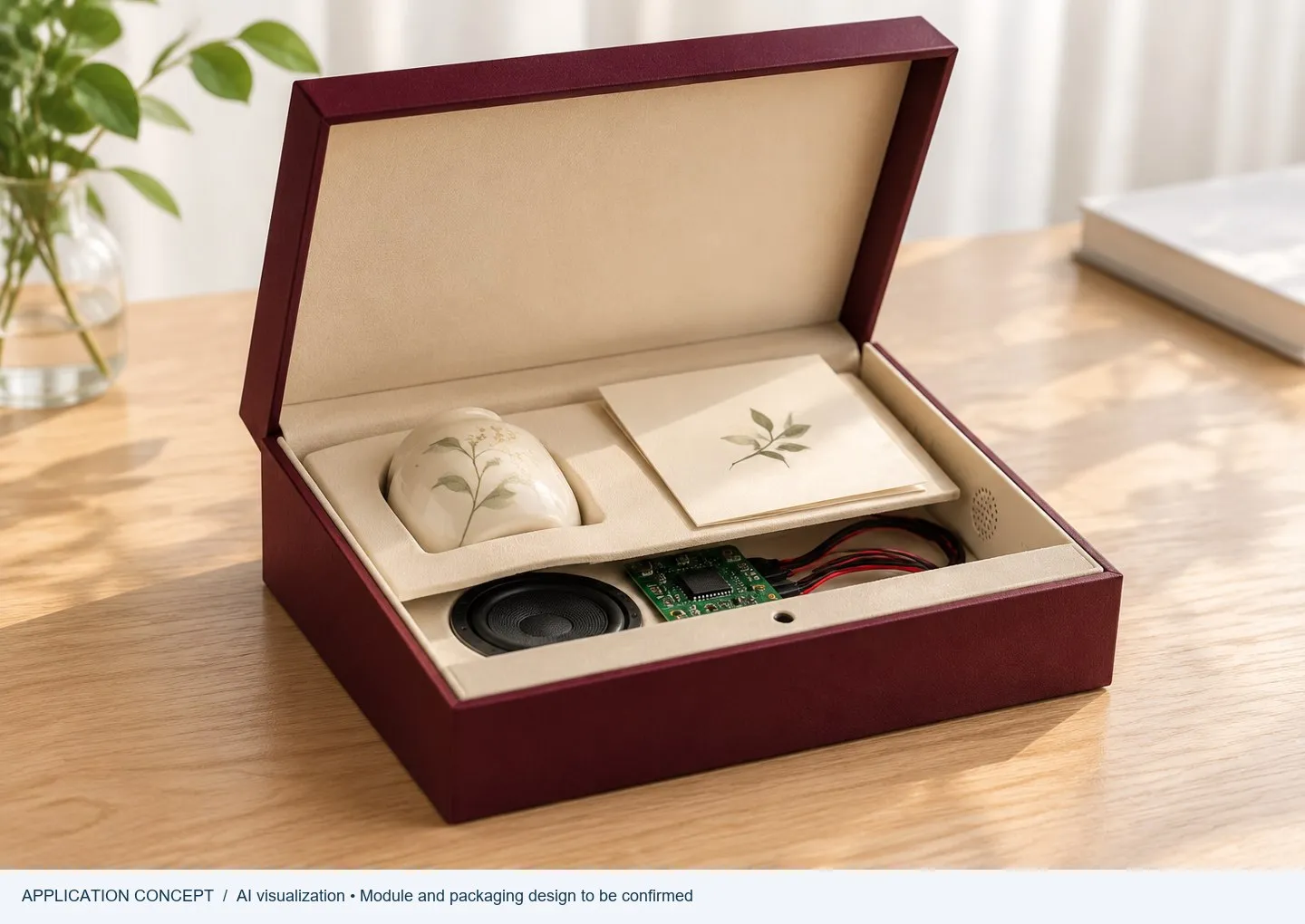
Open and close the box fully. Inspect component retention, speaker clearance, wire routing, connector access, battery compartment and any moving cable. Confirm that the gift and decorative parts cannot cover the sensor or microphone. Review the assembly order and the checks an operator can perform before the insert is closed. A layout change after approval should trigger review of the affected function and fit.
6. Review power under stated conditions
Use the intended cell and test combined audio and LED load, repeated operation, standby behavior and recovery after restart. Record use assumptions behind any life estimate. Agree which battery access, labeling, shipping and destination requirements need final product review. Sample approval is not automatically a certification of the finished package or every future configuration.
7. Close the review with specific decisions
For each issue, describe the condition, observed behavior, expected behavior and requested change. Photographs and a short video help when they show the same revision and setup. Separate functional changes from cosmetic preferences, then approve the revised sample and documents together. Agree the production reference, content files, labeling and any inspection or packaging requirements before the next commercial step.
What to send GOINSOL
Send the completed findings with the sample identifier, drawings, audio version, photos and videos. Include the final quantity, variants, destination and requested schedule. GOINSOL can use those details to review revisions and the next project stage. MOQ, pricing, sampling and production timing depend on the confirmed specification rather than a generic number on an article page.
DISCUSS YOUR APPLICATION