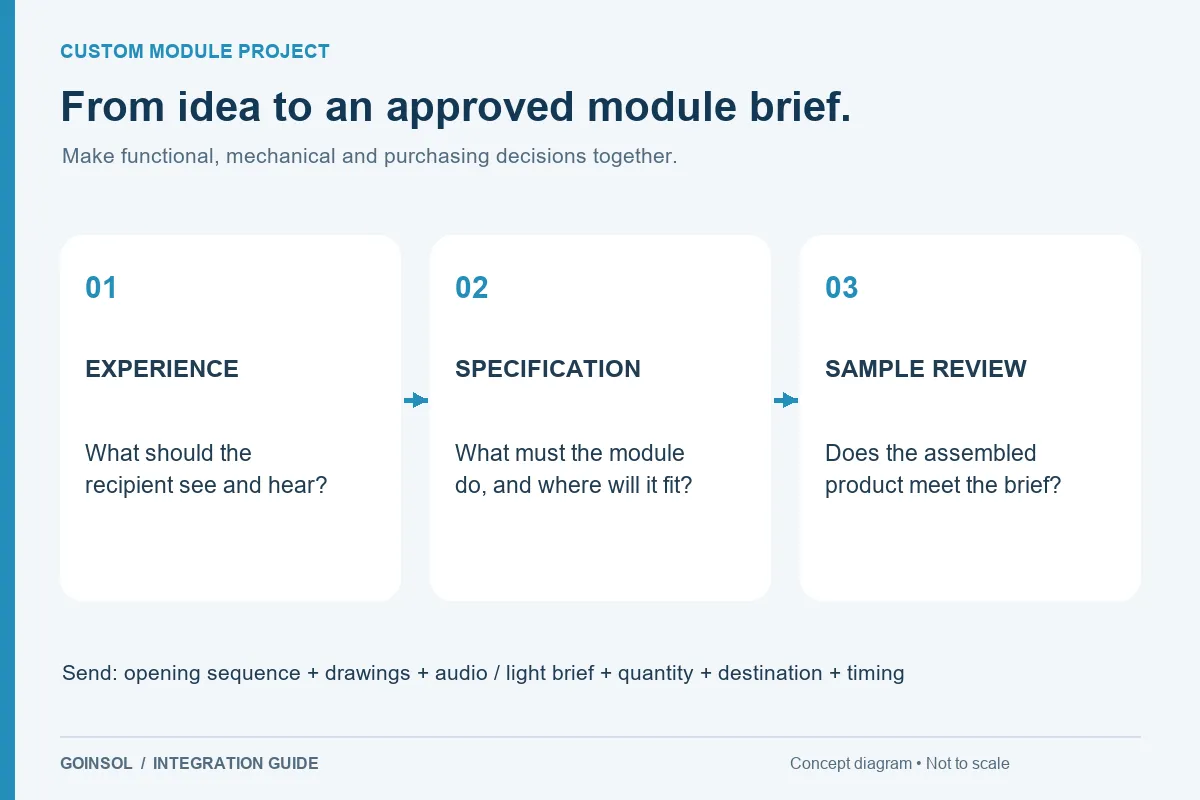
Turn the opening moment into a coordinated audio and LED sequence, with practical guidance on layout and sample approval.
A sound and light module combines audio playback with a programmed LED effect inside a product or presentation box. The purpose is a coherent reveal: a light can draw attention to the gift while a personal message or sound cue begins. In this guide, sound and light describe the outputs. They do not automatically mean that the module listens for sound. The opening detector or user control is a separate design decision.
1. Write a short storyboard
Describe the recipient's action and what follows. For example: the lid opens; a warm light rises gently; a spoken greeting starts; the light holds while the message plays; the effect ends; closing prepares the next opening. This is an illustrative sequence, not a fixed GOINSOL product specification. A few clear steps are more useful than asking for a luxury effect. State which part of the experience matters most so engineering tradeoffs preserve it.
2. Define start, stop and replay
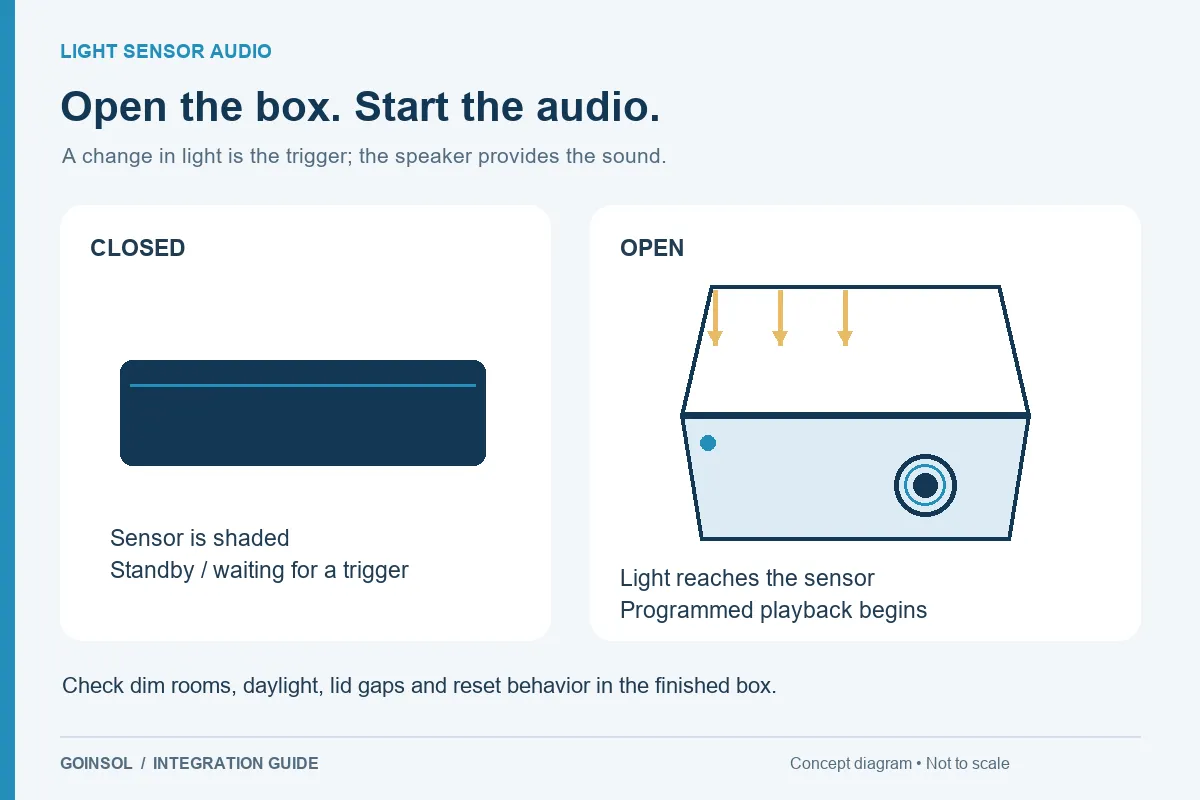
Choose the activation approach against the real box structure and expected lighting. Then specify the behavior when the lid closes during the message, opens again quickly or remains open after playback. Decide whether audio and LEDs always start together, whether light continues after the audio, and whether a timeout prevents unnecessary power use. Repeated triggering, cooldown and rearming should be discussed explicitly. The supported sequence depends on the selected electronics and programming.
3. Design the light around the gift
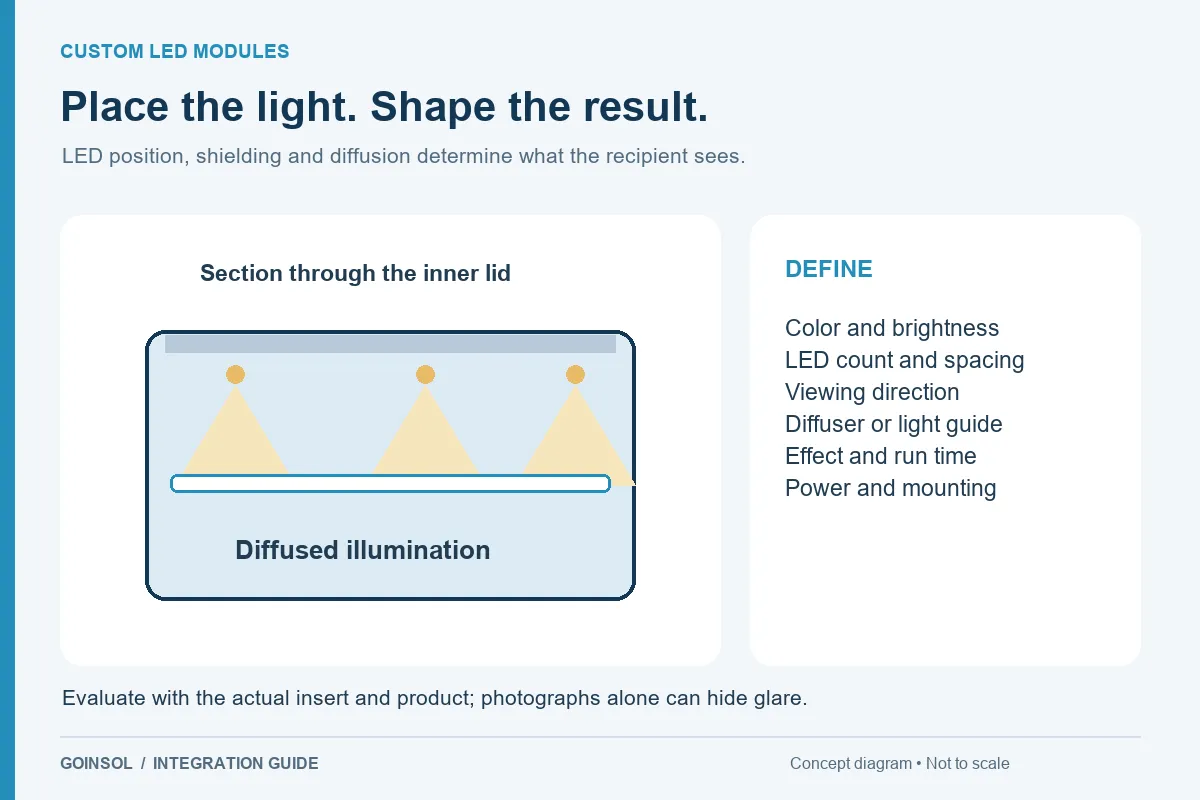
Mark where the recipient looks and what should be illuminated. A small LED aimed directly at the eye may look bright while lighting the jewelry poorly. Position, shielding, surface reflections and diffusion all influence the result. Request a color direction, approximate brightness expectation and a reference for the effect, then evaluate the prototype with the real gift and insert. A camera can make a harsh hotspot look attractive, so visual inspection matters alongside photographs.
4. Give audio its own physical space
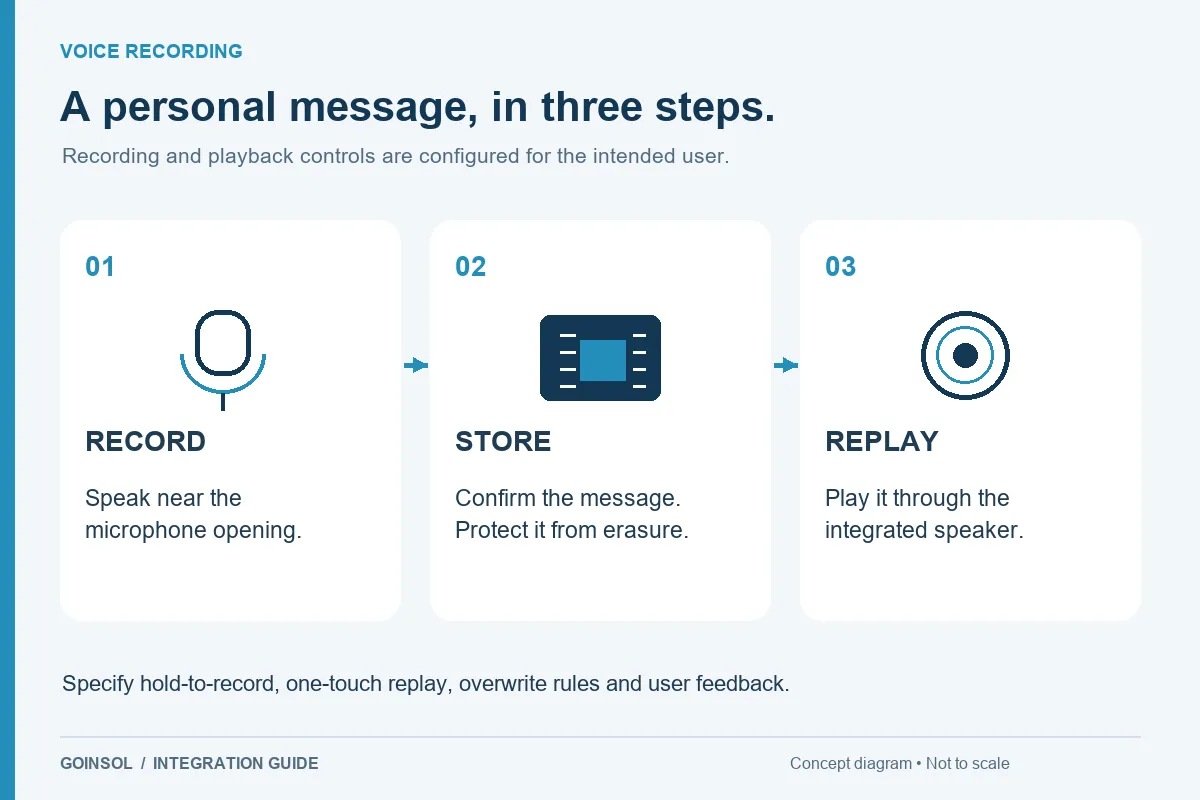
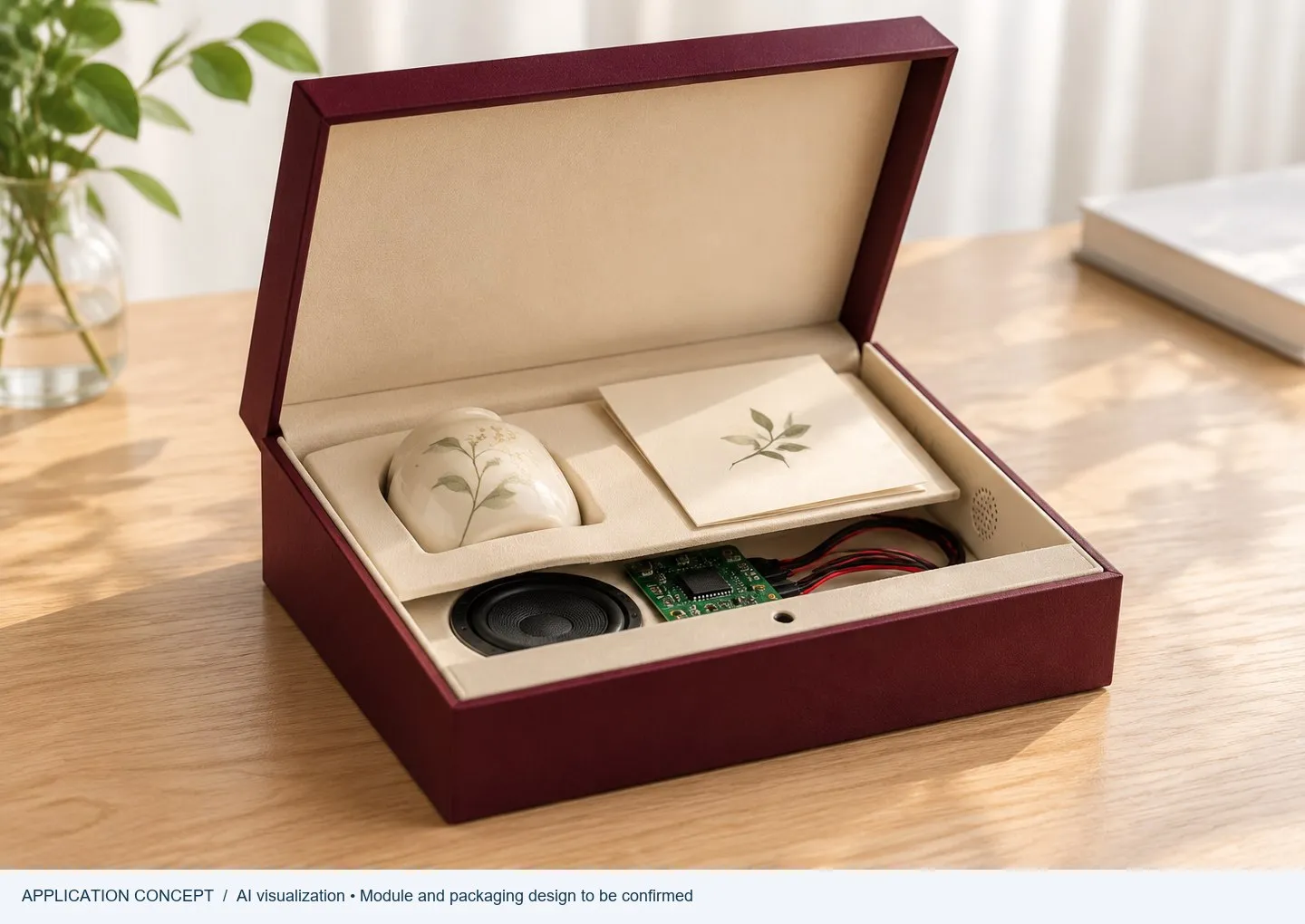
Show the speaker location, outlet, cavity and cable route. Avoid allowing the gift or insert to press against the speaker. The microphone is a separate consideration if the design includes user recording. Preloaded audio does not imply re-recordability, and a recording function should not be added to the brief casually; it changes controls, user instructions and validation. Prepare the approved sound file and identify any variants by a clear file name or content code.
5. Consider the combined electrical load
The highest load may occur when audio and several LEDs operate together. A battery that appears adequate for either function alone may behave differently under the combined peak. Provide the expected storage period, number of openings, playback duration and light-on duration. Discuss battery retention, first-use isolation and service access with the packaging team. Avoid making a shelf-life or play-count promise before the assembled sample has been evaluated under stated conditions.
6. Approve a complete sample
Review activation in the intended environment; audio start and completion; LED timing, glare and uniformity; closing and reopening; power recovery; and mechanical clearance. Record the sound file revision, programmed sequence and sample identifier. A short demonstration video is useful for reviewing timing, while the physical sample is needed for sound, brightness, installation and handling decisions. Both should refer to the same revision.
What to send GOINSOL
Send a storyboard or reference video, box and insert drawings, usable depth, audio, LED count and positions, color preference, trigger concept, reset behavior, power expectations, quantity and destination. GOINSOL defines the electronic module with your team; the customer or packaging partner remains responsible for the packaging structure and its production. Feasibility, final effect and commercial terms are confirmed after review.
DISCUSS YOUR APPLICATION