Compare activation approaches against lighting, opening mechanics, assembly and the desired user experience.
The trigger determines when the electronic experience starts. It should suit the way the box opens and the conditions in which it is used. Four common design approaches are light sensing, a mechanical contact or pull mechanism, magnetic sensing and a deliberate push button. These are options to review with engineering, not a promise that every module supports every trigger. The correct choice begins with the opening action and desired reset behavior.
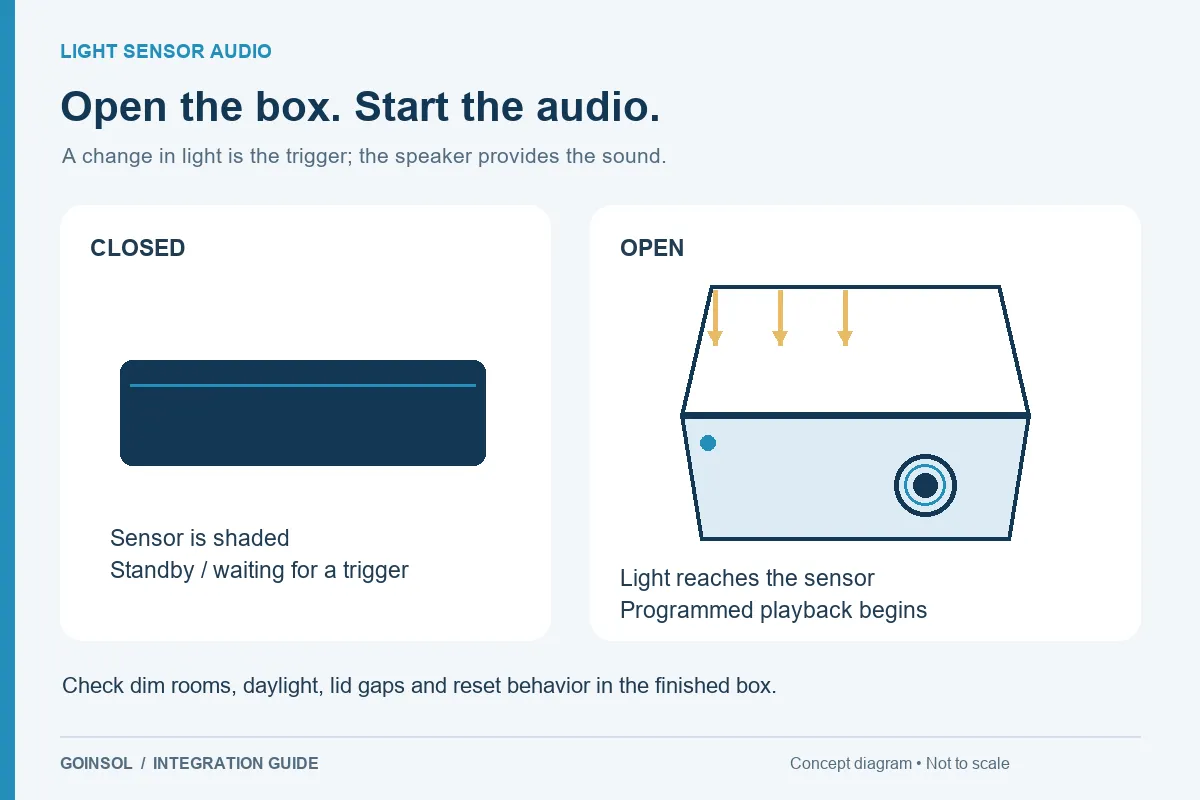
1. Light sensing: let the opening expose the detector
A light sensor can be discreet because the user does not need to find a control. It is attractive for presentation boxes that are dark when shut and exposed to room light when opened. Its limitation follows from the same principle: a dark room, deep insert or covered aperture can prevent activation, while a lid gap can admit light early. Test the actual structure across expected light conditions before deciding. The sensing point must stay clear after the gift, ribbon and lining are installed.
2. Mechanical activation: use physical movement
A contact, pull tab or similar mechanism can link operation to movement rather than ambient light. Review available travel, contact state, part alignment, wear, mounting and the force introduced into the box. A pull mechanism may suit a particular card or opening geometry but be awkward in a hinged box. Specify whether it is a first-use battery isolator or a repeatable operating trigger; those functions are different. Assembly tolerances matter as much as the electronic input.
3. Magnetic sensing: coordinate two positions
A magnetic approach uses the relationship between a magnet and a sensing element. It can keep the detector hidden and avoid dependence on room light, but it requires suitable spacing and alignment in both closed and open positions. Review the exact sensing technology and how nearby materials and components affect placement. The packaging team must retain the magnet securely and reproduce its position. Test slight lid movement and normal production variation rather than one carefully aligned prototype only.
4. Push button: let the user choose the moment
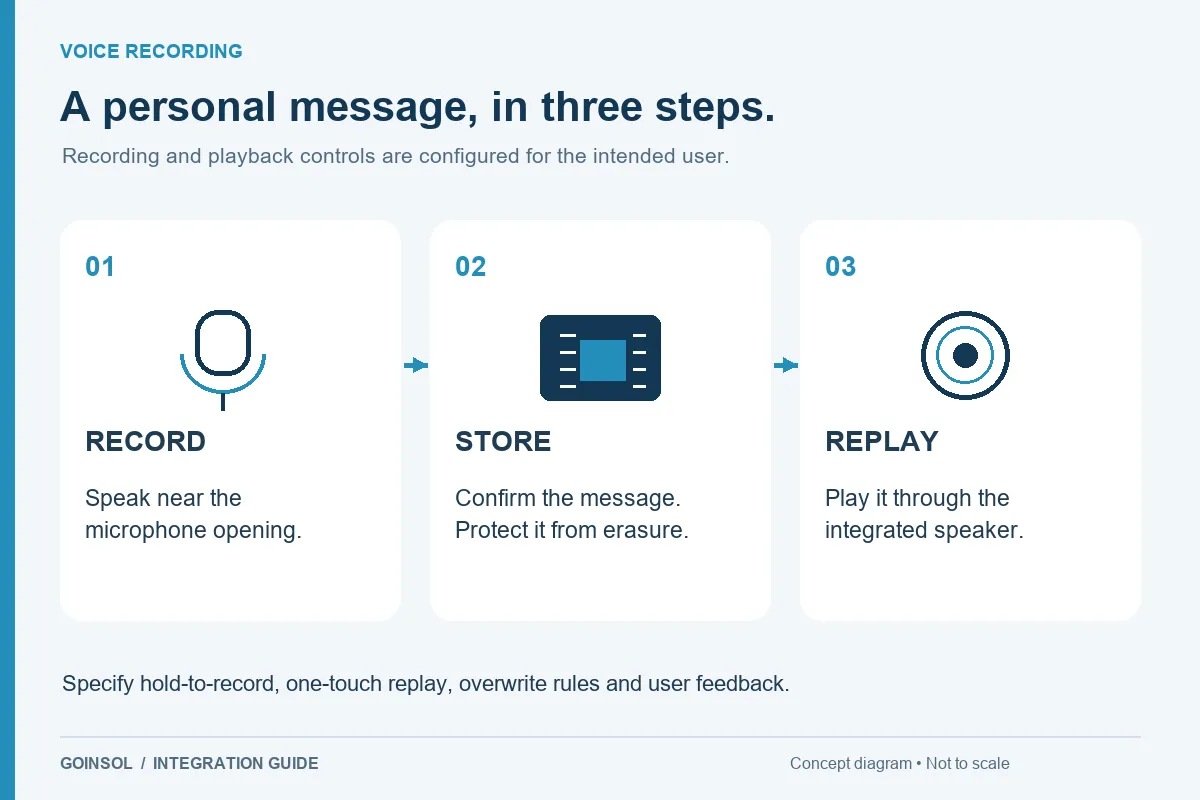
A button makes the action intentional and can support replay without repeatedly closing the box. It also changes the ritual: opening alone may no longer start the message. The control must be visible or clearly explained, accessible to the intended users and protected from unintended presses during packing or transport. For a recordable product, distinguish the record and play actions. Consider whether the recipient can understand the controls without help from the giver.
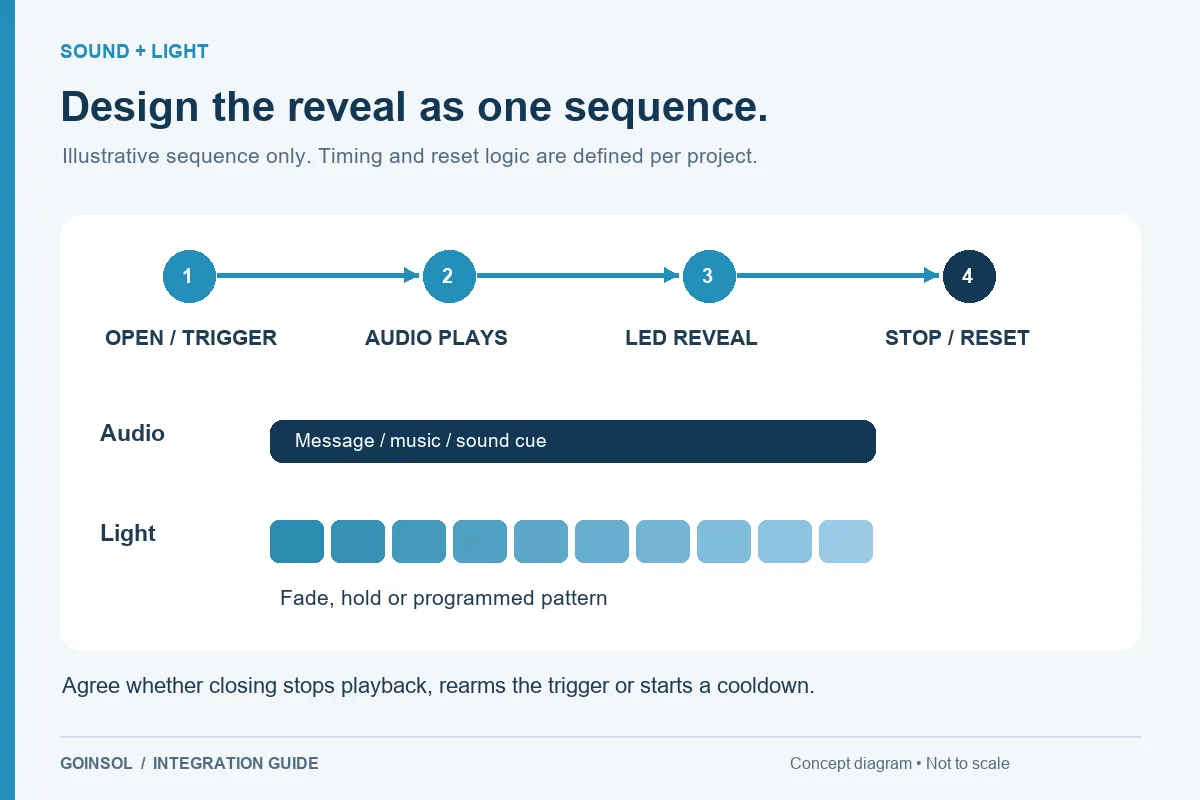
5. Define reset behavior for every approach
The trigger is only one part of the sequence. Decide what happens during repeated operations, a partly open lid, a button held down or closure before playback ends. A design may need rearming after closure, a deliberate replay control or a timeout to reduce unnecessary operation. Record those decisions as an input/output sequence. The same physical detector can produce very different experiences under different programming.
6. Compare complete costs and assembly
Evaluate components, wiring, space, mounting, installation steps and test requirements together. The smallest detector is not always the simplest assembled solution. Avoid changing the opening mechanism late in the process without reviewing the module and sample again. Ask the packaging and electronics teams to agree which dimensions and positions must remain controlled.
What to send GOINSOL
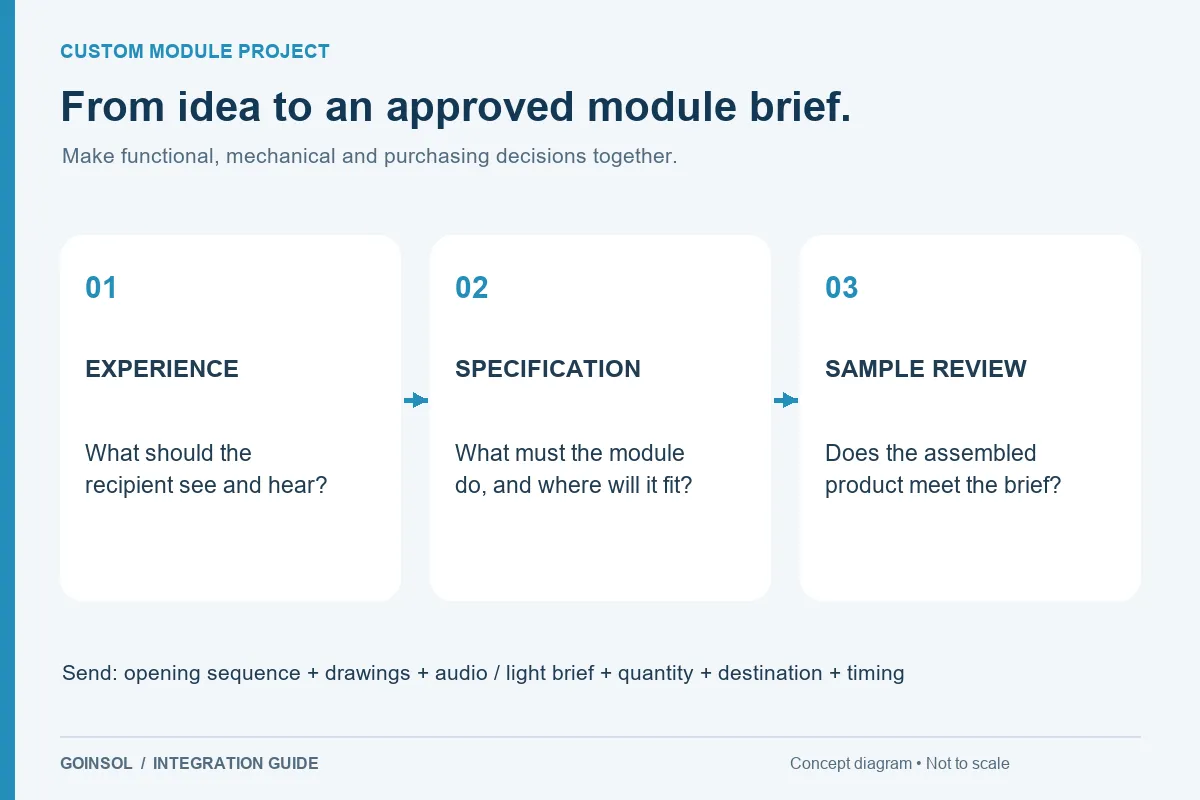
Provide a video of the box opening, drawings and usable space, expected lighting, required first-use and repeat behavior, user control preference, storage conditions and target quantity. Where the trigger is undecided, describe the desired result and the difficult conditions. GOINSOL can use that brief to review a suitable approach and identify the sample checks needed before approval.
DISCUSS YOUR APPLICATION