Choose the interaction, tag placement and digital destination before specifying an NFC tag or module.
NFC, or Near Field Communication, enables short-range communication between compatible devices at 13.56 MHz. A common packaging application is a passive tag that a compatible smartphone reads at close range. The tag can hold an NDEF record such as a web address, allowing the user to open a care guide, product story or personal message. A passive NFC tag and an active NFC reader module are different product categories and require different integration briefs.
1. Begin with the action after the tap
Decide what the customer should see and why it is useful. A jewelry care guide, instructions, a message from the giver or a product registration page each needs a suitable web destination. For a web-link experience, the tag stores the address; the phone uses its own connection to retrieve online content. The tag does not contain an entire website. The destination page should load quickly on a phone and remain available after the campaign or gift occasion has passed.
2. Separate the tag from the content service
Writing a URL to a tag does not create hosting, a content management system or a personalization platform. Identify who owns the domain, maintains the page and supports any message uploads or customer data. A stable redirect can allow a destination to be managed later without physically rewriting every tag, but it introduces an ongoing service dependency. Define that ownership before production. Avoid relying on an unowned third-party link that may expire or change unexpectedly.
3. Test placement with the actual phone and materials
The tag must be accessible to the phone's NFC antenna. Phone model, antenna location, tag antenna, spacing, metal and nearby materials influence the result. Foil decoration and metal jewelry can complicate a placement that worked on plain card. Test the intended tag under the real lining and next to the actual product. Mark a sensible tap area, provide a short instruction and evaluate more than one target phone. A stated chip capability is not a guarantee for the assembled package.
4. Specify data and encoding control
Tell the supplier whether units share one destination or require unique identifiers or URLs. Define the source of the data, the encoding format, verification and any write-protection step. Locking settings can be irreversible, so the approved data and verification process must be clear first. Separate an identifier used by your system from the content the phone displays. Do not put sensitive customer information directly on a publicly readable tag.
5. Do not confuse a web link with authentication
A standard URL tag is useful for engagement, but a copied address can lead to the same page. If product authentication, anti-counterfeiting or secure access is required, specify the threat model, suitable chip features, key handling and backend verification. A physical tag alone does not prove the origin of a product. Authentication should be designed as a system, not claimed because a package has an NFC symbol.
6. Understand what NFC does not do
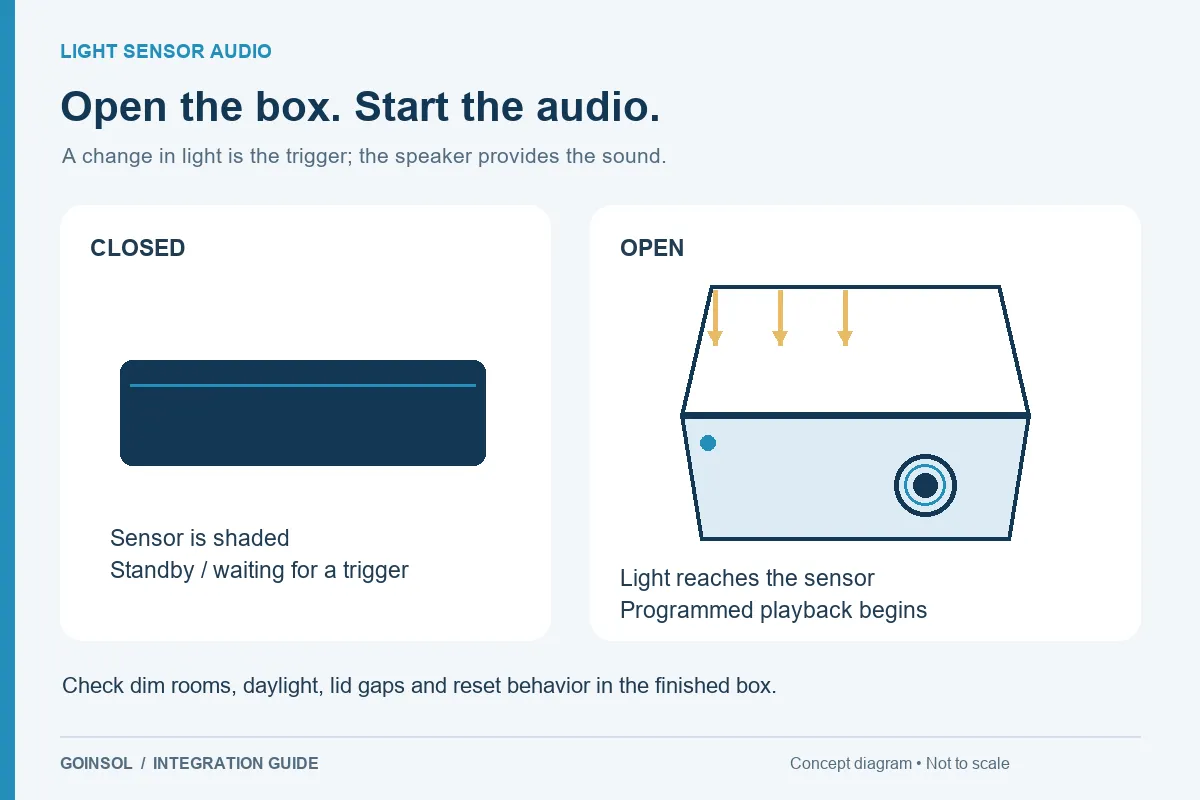
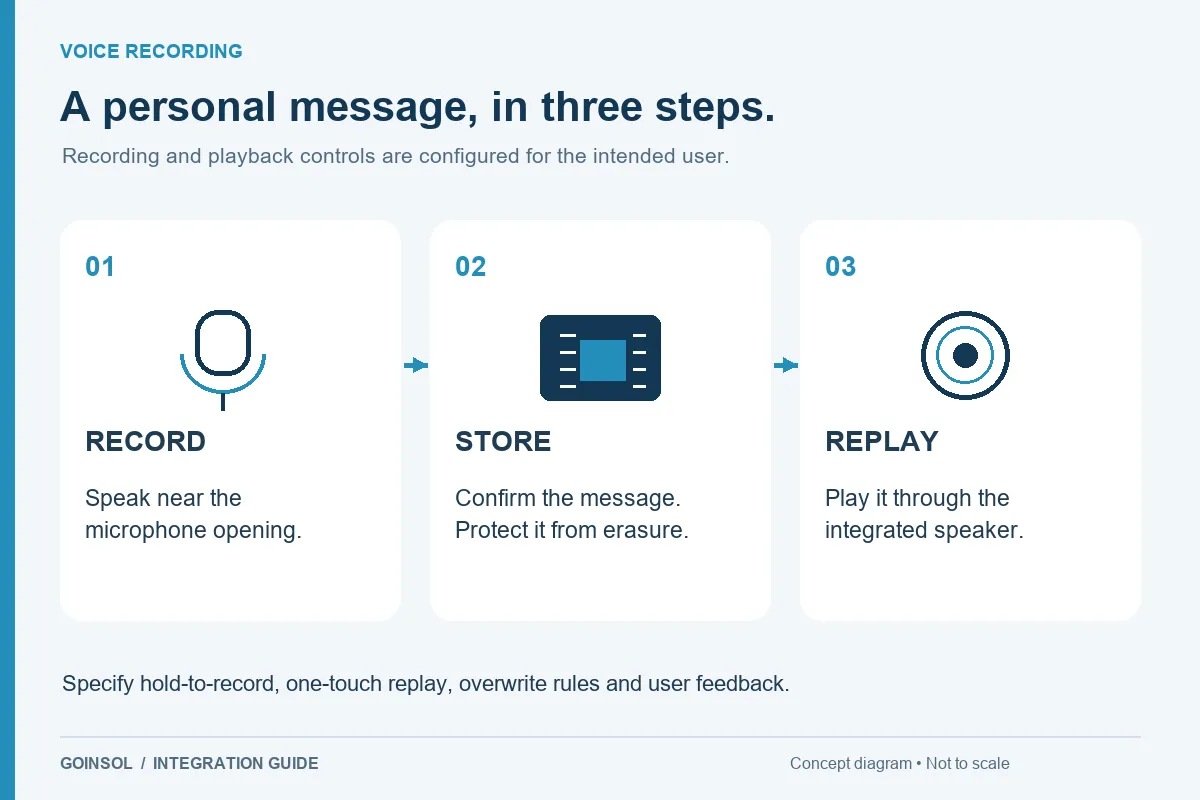
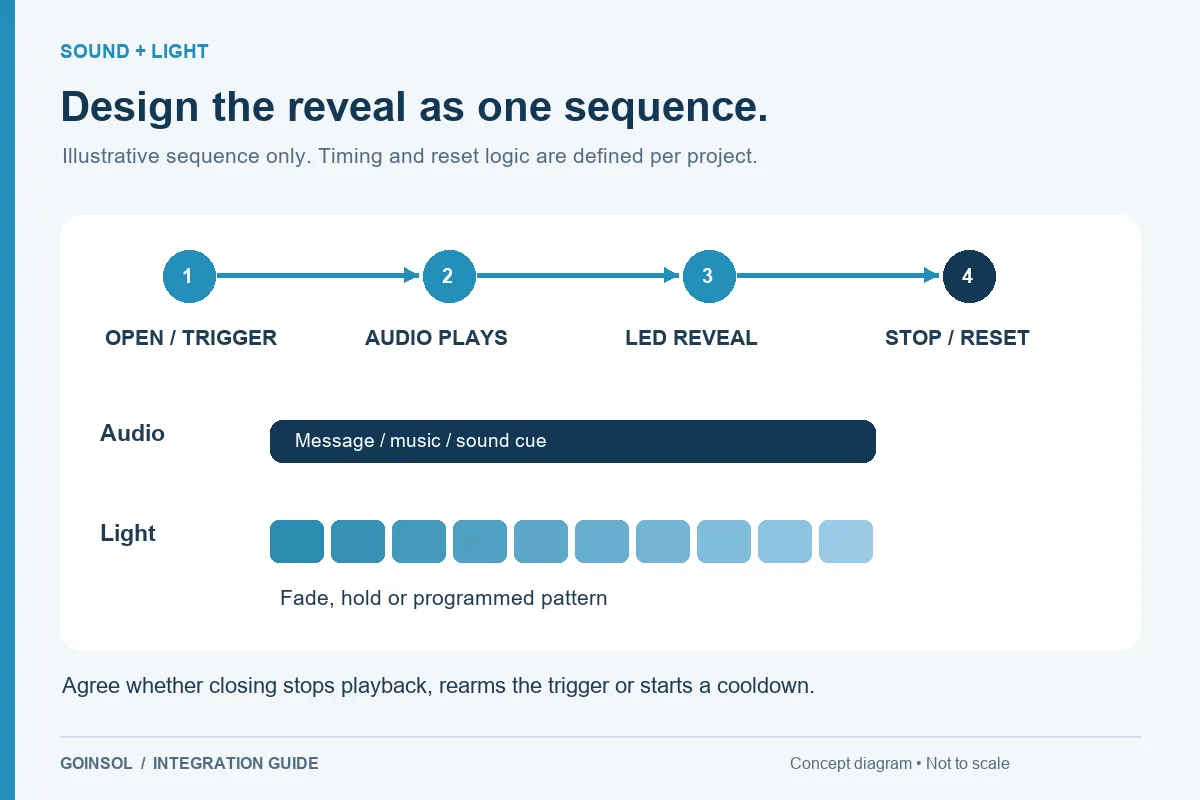
A normal passive URL tag does not supply the energy for a gift box speaker or LED reveal. An audio module can create a local sound experience; NFC can take the user to digital content on a phone. These can be considered within one customer experience, but any physical or electrical combination needs separate engineering review. Ordinary phone NFC is also not a substitute for a UHF RFID inventory reader.
What to send GOINSOL
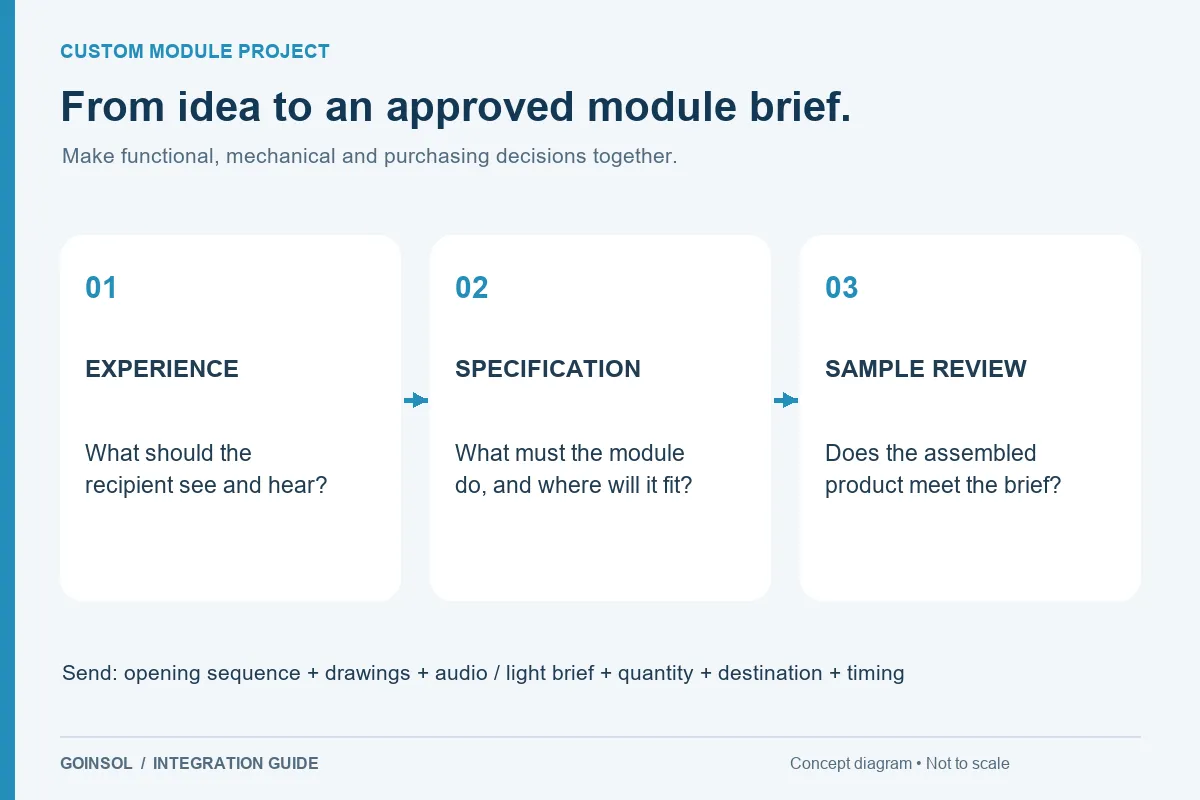
Describe the tap interaction, target phones or reader, destination URL or data structure, shared or unique encoding, tag location, materials and foil or metal nearby, available area, quantities and destination market. For an active reader module, also provide the power source, host interface and system requirements. Technical background: NFC Forum, What is NFC? GOINSOL reviews NFC as a separate integration category alongside its core sound, recording and LED products.
DISCUSS YOUR APPLICATION